Getting Started with VibeRune: Your First AI-Powered Project

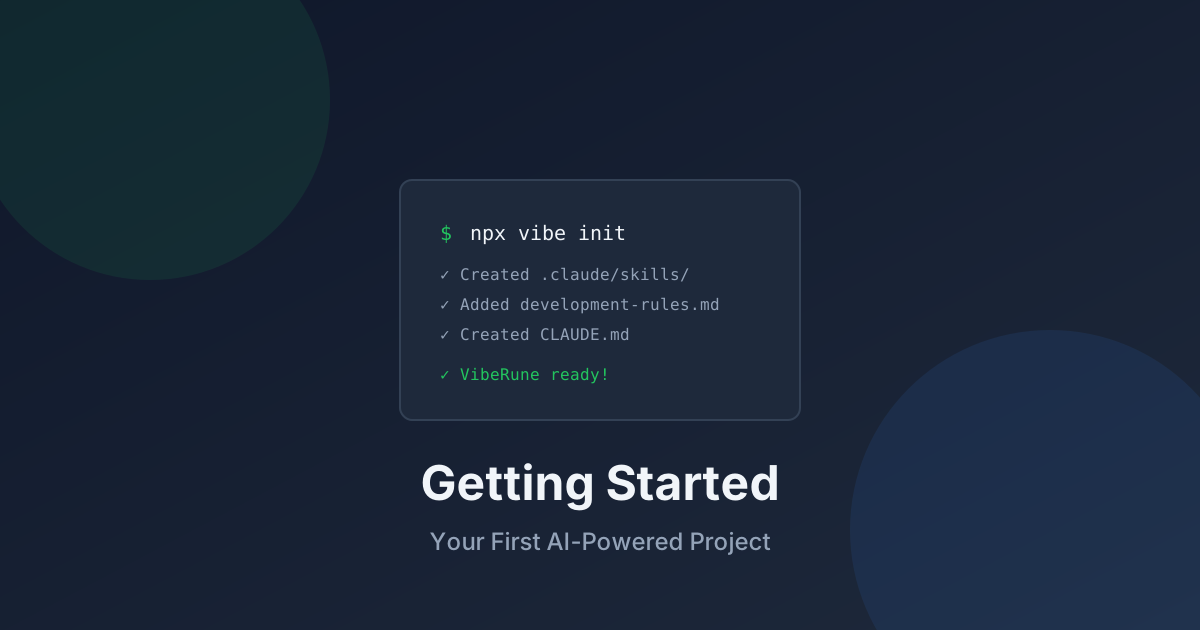
This tutorial walks you through setting up VibeRune and experiencing your first AI-powered development workflow. By the end, you'll understand how to leverage specialized agents and skills to accelerate your development.
Prerequisites
Before starting, ensure you have:
- Claude Code installed and authenticated
- Node.js 18+ (for npx commands)
- A terminal with shell access
If you haven't installed Claude Code yet, visit claude.ai/code to get started.
Step 1: Initialize VibeRune
Open your terminal in your project directory and run:
npx @viberune/cli init
This command sets up VibeRune with sensible defaults. You'll see output like:
✓ Created .claude/skills/ directory
✓ Added claude-code.md skill
✓ Added development-rules.md
✓ Created CLAUDE.md configuration
✓ VibeRune initialized successfully!
Step 2: Explore Your Setup
After initialization, your project includes:
your-project/
├── .claude/
│   └── skills/
│       ├── claude-code.md
│       └── development-rules.md
├── CLAUDE.md
└── ... your existing files
CLAUDE.md
This is your project's AI configuration file. It tells Claude Code:
- Project context and conventions
- Available workflows and skills
- Custom rules and preferences
Skills Directory
Skills are reusable knowledge packs. The default setup includes:
- claude-code.md: Core VibeRune capabilities
- development-rules.md: Best practices and guidelines
Step 3: Run Your First Command
Let's try a simple command. In Claude Code, type:
/plan implement a user authentication system
VibeRune's planner agent will:
- Analyze your codebase structure
- Research best practices for your stack
- Create a detailed implementation plan
- Ask clarifying questions if needed
Step 4: Use Specialized Agents
VibeRune shines when you use its specialized agents. Here's a typical workflow:
Planning Phase
/plan:hard add OAuth2 login with Google and GitHub
The planner creates a comprehensive plan with phases, tasks, and considerations.
Implementation Phase
Once you approve the plan:
implement phase 1
The coder agent implements each task, following your project's patterns.
Review Phase
/review the authentication changes
The reviewer agent checks code quality, security, and best practices.
Testing Phase
/test create tests for the auth module
The tester agent generates comprehensive test cases.
Step 5: Customize Your Skills
Add domain-specific skills for your project. Create a new file:
touch .claude/skills/my-project.md
Add content relevant to your project:
# My Project Guidelines

## Architecture
- We use Clean Architecture patterns
- Services are in src/services/
- Controllers handle HTTP layer only

## Conventions
- Use TypeScript strict mode
- Prefer async/await over callbacks
- All functions need JSDoc comments
Claude Code automatically loads this context for every conversation.
Common Commands Reference
Here are the most useful VibeRune commands:
| Command | Description |
|---------|-------------|
| /plan | Create implementation plan |
| /plan:hard | Detailed plan with research |
| /fix | Debug and resolve issues |
| /fix:types | Fix TypeScript errors |
| /test | Run or create tests |
| /docs | Generate documentation |
| /git:cp | Commit and push changes |
| /review | Code review current changes |
Next Steps
Now that you're set up, explore these areas:
- Add more skills: Check viberune.dev/skills for community skills
- Learn SPARC: Read our Architecture Decisions post
- Join the community: Share your experience on GitHub Discussions
Troubleshooting
Commands not recognized?
Ensure your CLAUDE.md file references the skills directory:
## Workflows
- Skills: `.claude/skills/*`
Context not loading?
Restart Claude Code to reload configuration files.
Need help?
Happy coding with VibeRune!